Because of our wide variety of products, it can sometimes be difficult to find exactly the item that you need. That's what our product comparison is for: here you can find all important information comprehensively compiled into a chart, so that you can see the differences between the products right away. This helps you make the best choice for your project!
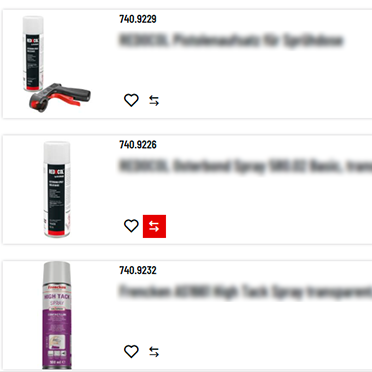
1: Mark the desired products with the "product comparison" icon
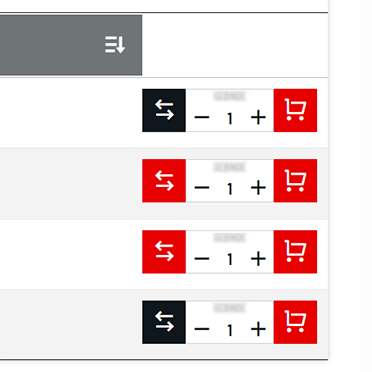
You can select products directly in our online shop to compare them. Just select a product from the list that you are interested in and click on the icon with the two arrows. The arrow icon will turn red afterwards.
Of course you can also compare individual variants of a single product. First, click on the "Variants" button and then on the arrow icon.
Please note: Clicking on the red icon a second time deletes the product from the comparison list.
2: Compare products
Have you selected a product for comparison? Then click on the "Compare" button next. You will find it above the product list on the right-hand side. Clicking the button opens a comprehensive comparison chart containing all of your selected products.
3: Individual Adjustments
With the heart icon you can add products to your watchlist.
You can also add items directly to your shopping cart.
Clicking on the "X" deletes individual products from the comparison list.
Tip: You can delete the entire list in one go by clicking on the recycle bin icon (delete comparison list). If necessary, you can start a new comparison.